
UDL Rocks.
Stickity makes it tangible.
Stickity is a Chrome extension that helps teachers add instant visual supports into the materials they already make. Every sticker is tagged to the CAST UDL Guidelines at the checkpoint level so teachers can apply the framework in seconds, not just after the latest PD session.
Let's put that UDL know-how to use!
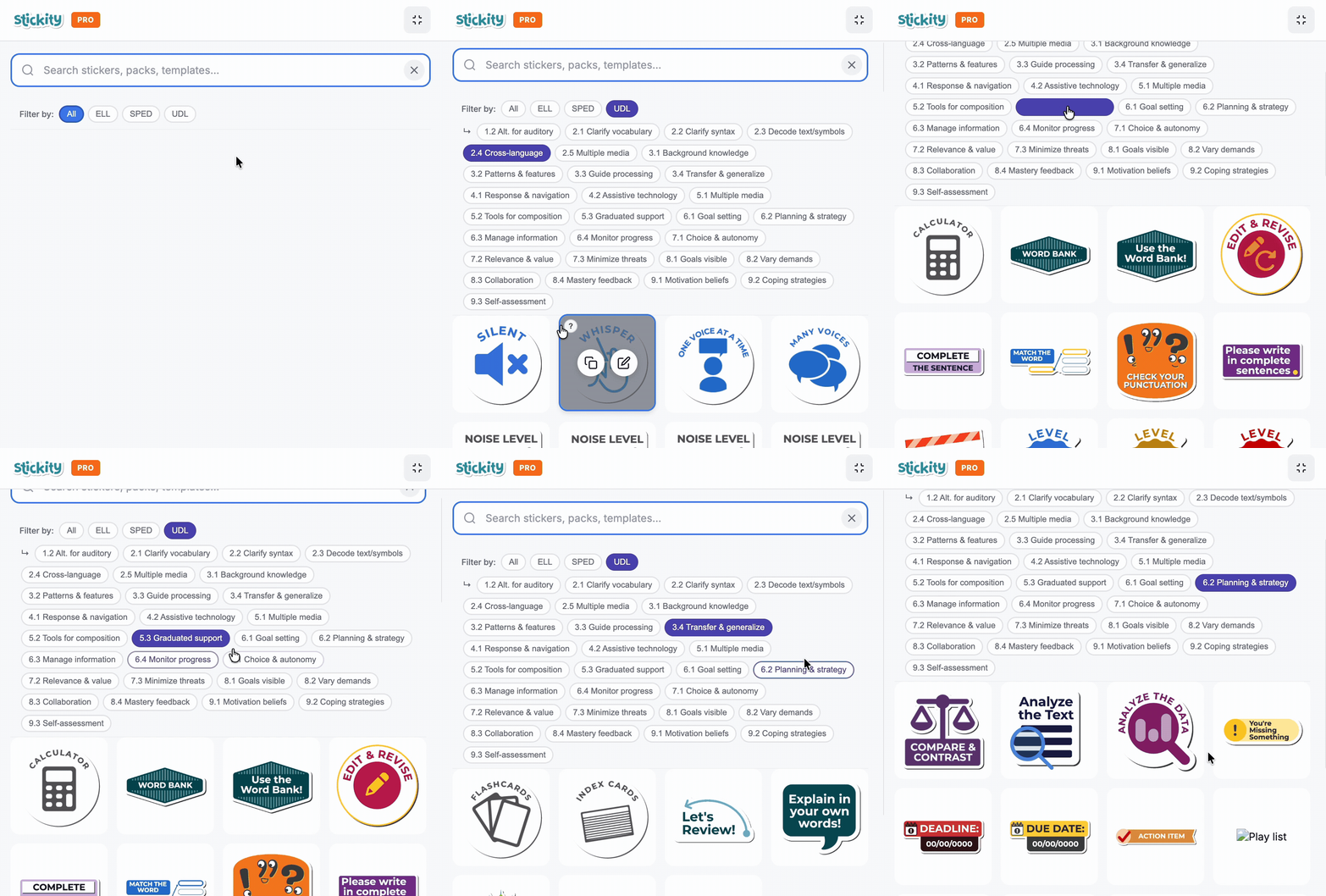
Find visual cues that support UDL in the materials you’re already making. Search in plain language or filter by specific CAST checkpoints, whichever works for you.
Filter by UDL checkpoint while you're building
Tap UDL in the Stickity filter row and a second row of checkpoint-level sub-tags appears: "2.1 Clarify vocabulary," "8.1 Goals visible," "6.2 Support planning," and more. Tap one and the library filters to only the graphics tagged to that checkpoint. No cross-referencing a separate document.
The framework lives in the tool.
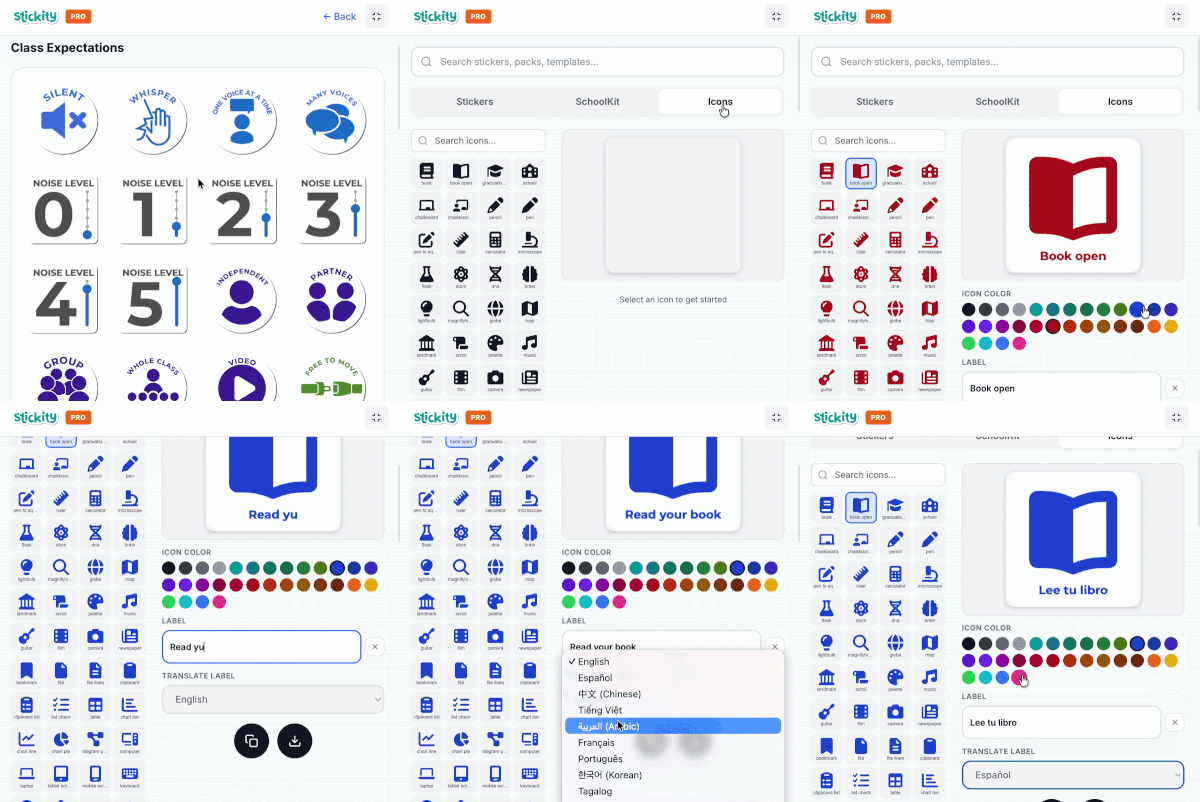
Multiple means of representation: built fast with the Icon Library
The Icon Library gives teachers a searchable set of single-color icons on white rounded squares — same visual format, 30-color accessible palette. Teachers build vocabulary cards, process sequences, and concept anchors in under two minutes. Text plus image, every time. That's checkpoint 2.1 in practice.
Works anywhere teachers are already creating
Stickity lives in Chrome, which means it fits into the tools teachers already use every day. Add UDL-aligned graphics into Google Docs, Slides, Forms, Sheets, Gmail, Canva, newsletters, and more. If teachers are already building it in the browser, Stickity can help make it clearer.
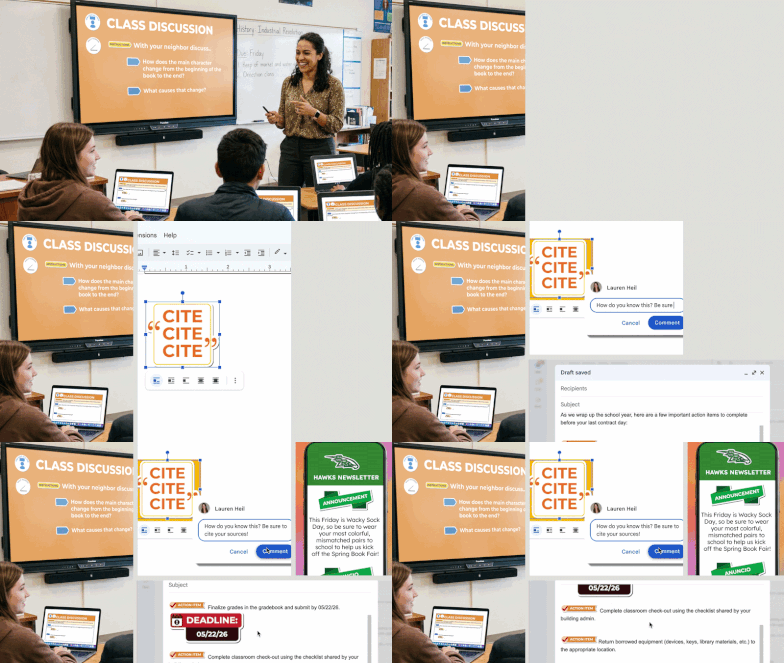
It helps display directions and prompts clearly for kids. They are more engaged and the slides are easier on the eyes with templates and icons that plainly point to the next task.
6th Grade US History Teacher & PBIS Leader