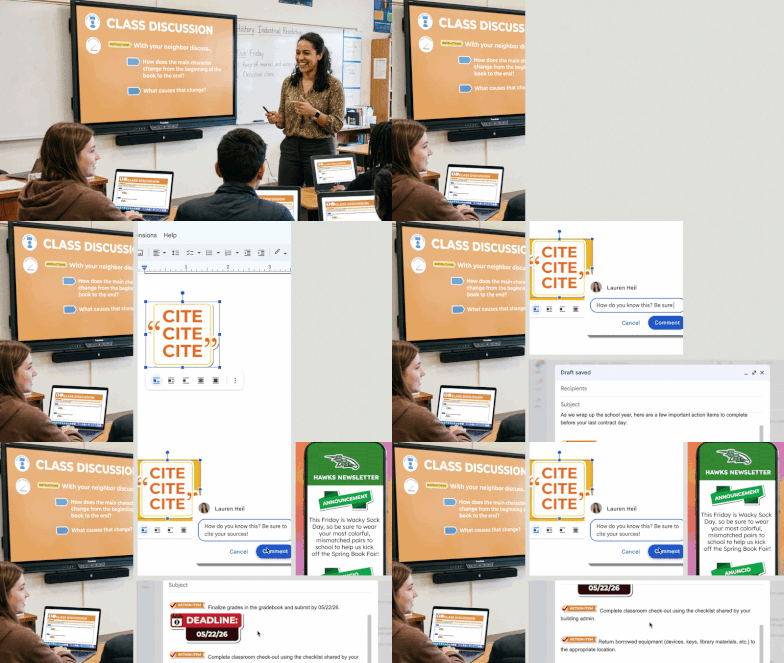
Your slides called.
They want Stickity.
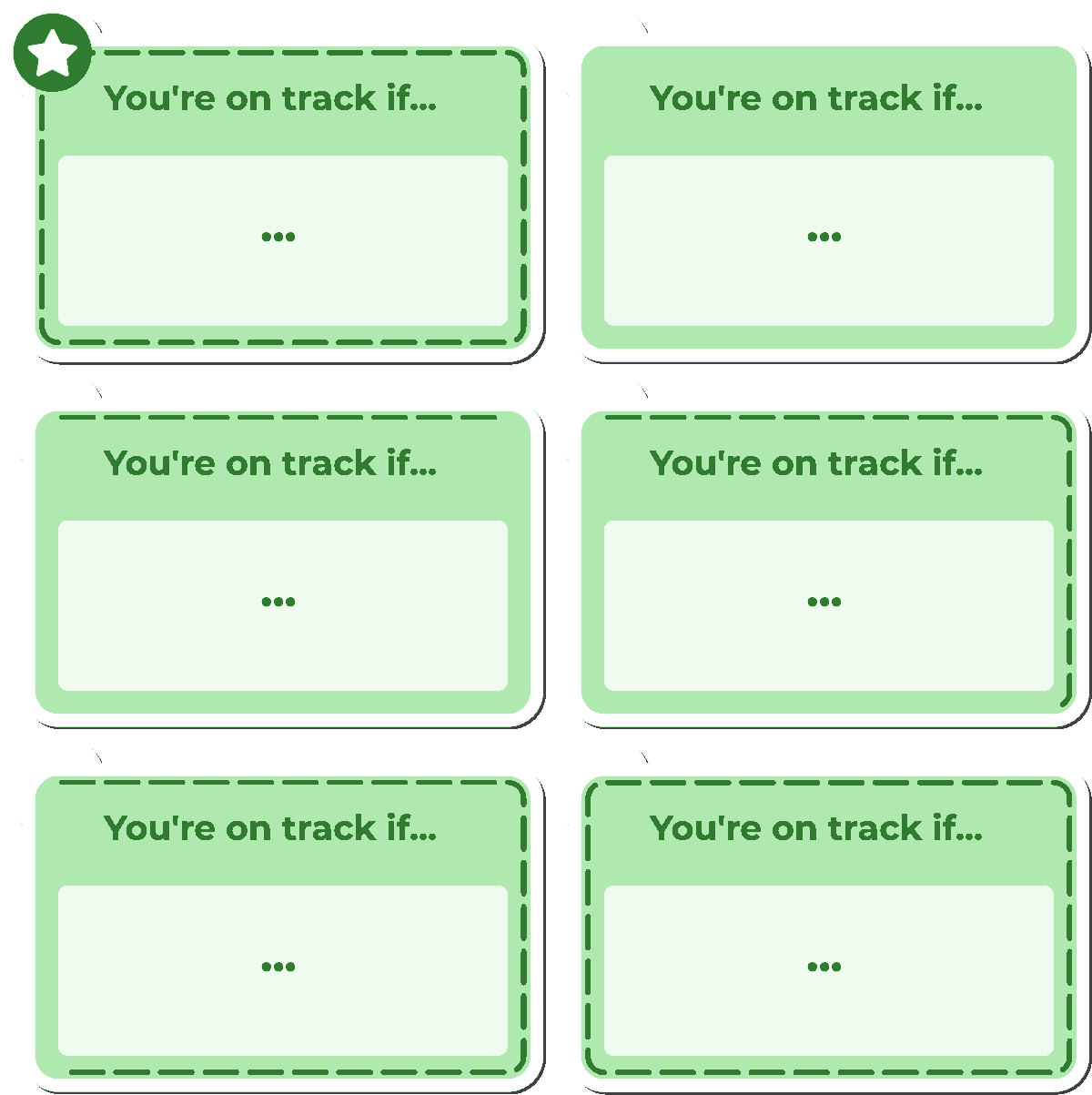
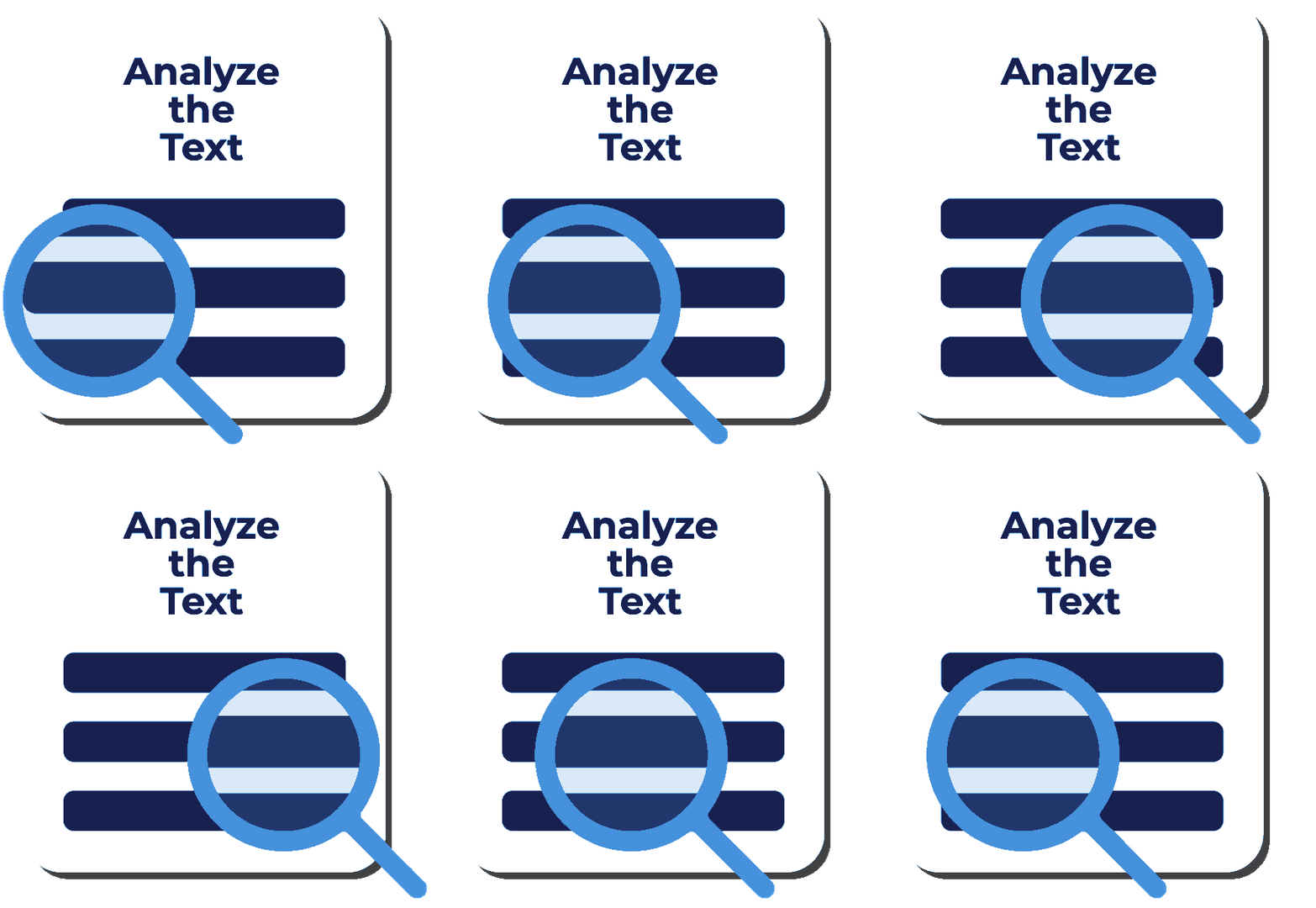
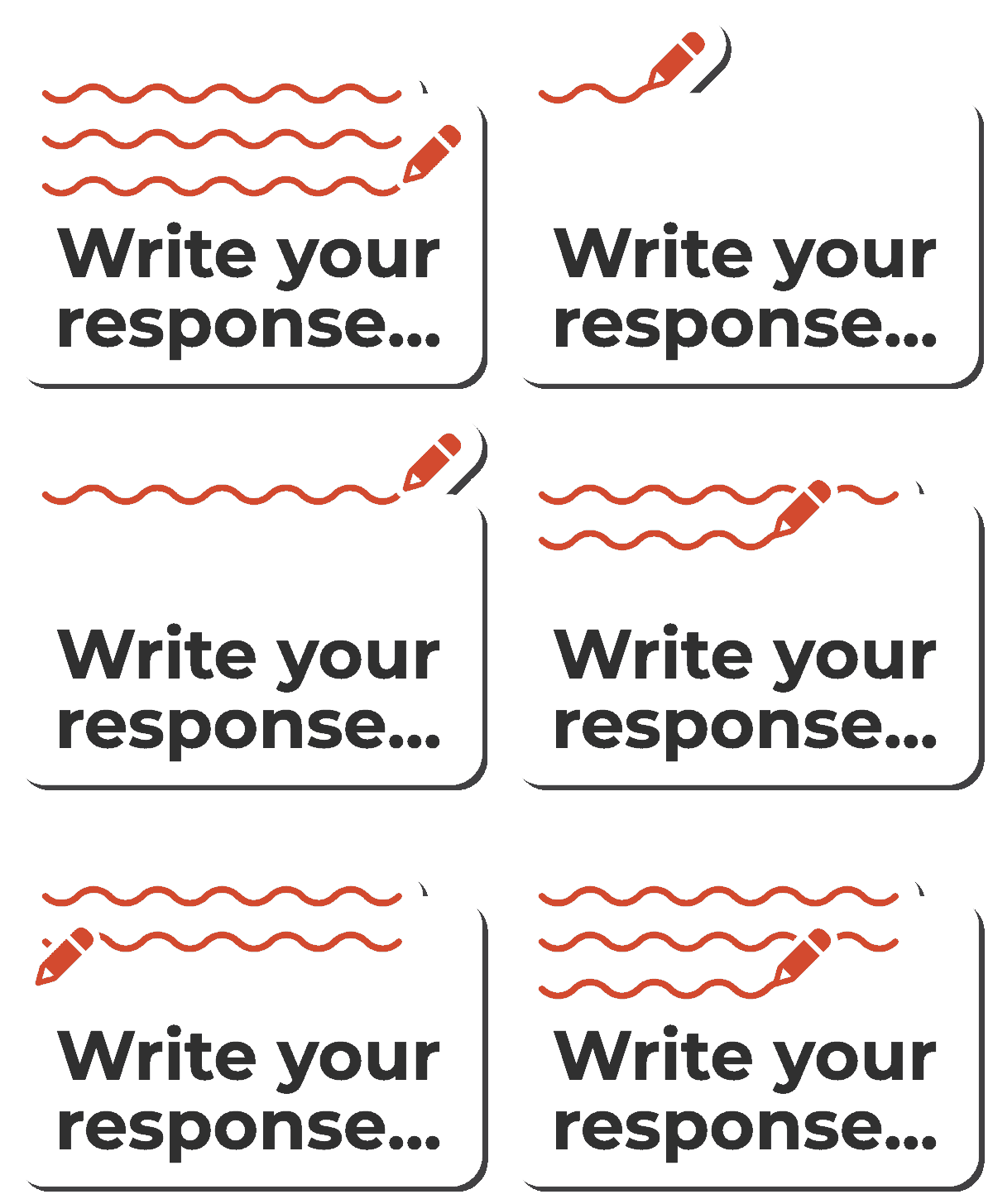
Stickity is a Chrome extension packed with ready-made classroom visuals, directions, expectations, and instructional graphics. Customize what you need and add it directly to Google Slides, Docs, and the materials you're already creating.
Less designing. Clearer directions. More time for teaching.




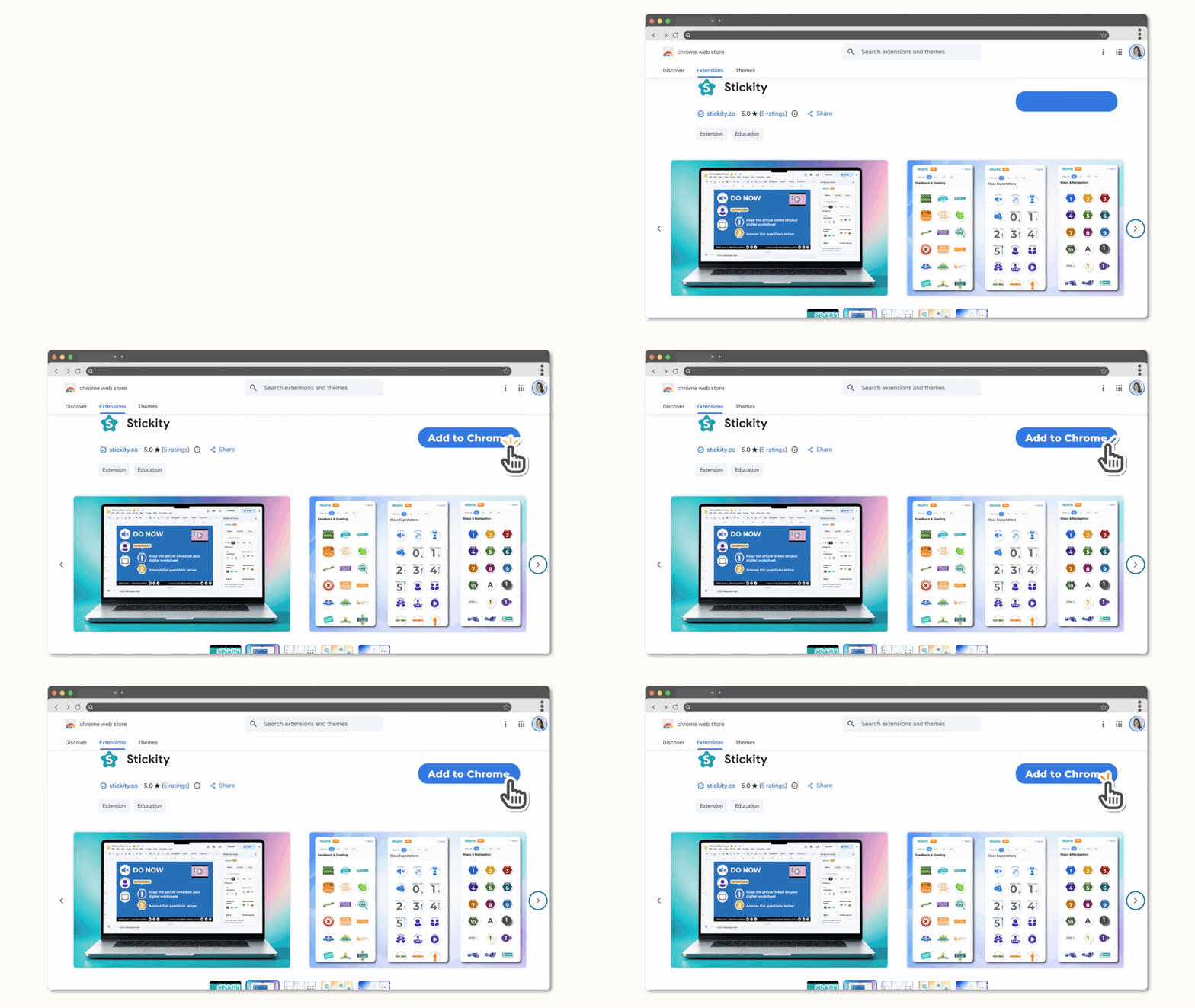
Stickity is a Chrome Extension. Find it in the chrome web store, click Add to Chrome, and you’re all set!
Your classroom visuals are already made.
You're welcome.
Skip the clip art hunt and the endless formatting. Stickity gives you a library of ready-to-use classroom graphics for directions, routines, expectations, and instructional support. Find what you need, make it yours, and drop it into the materials you're already building.
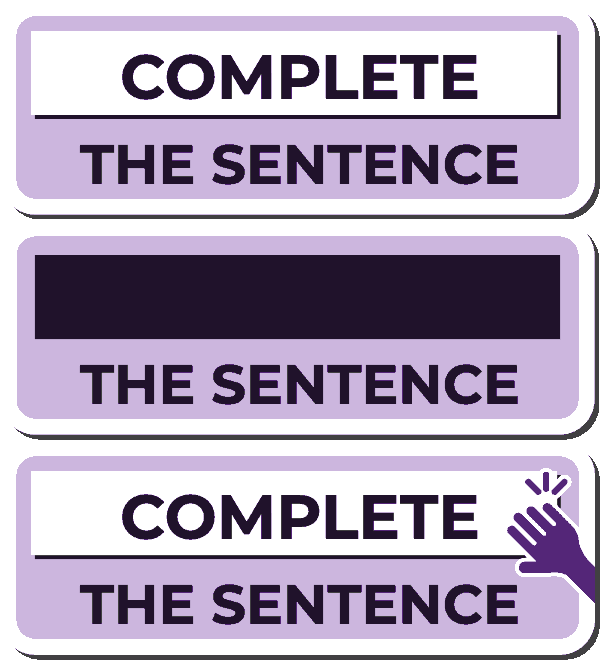
See the difference in Google Slides
Same directions. Way easier to follow.
If you can insert an image into what you’re building… you can use Stickity.

Now here’s something that matters a lot.

Every single sticker in Stickity was designed with accessibility in mind.
Visual Scaffolds that reduce cognitive load, predictable icons, and clear directional cues.



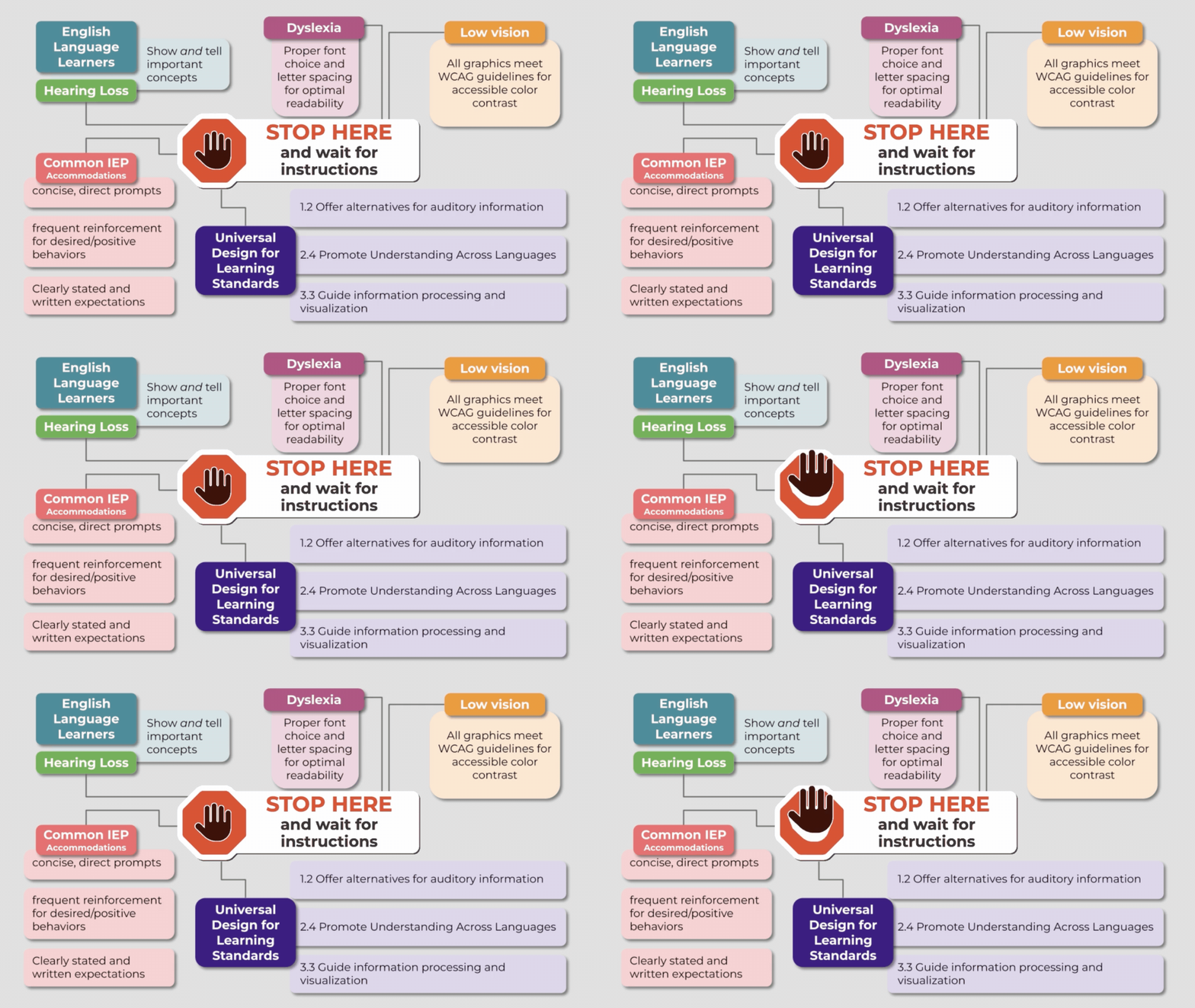
What does this mean for teachers?
Welp, it means you’re accommodating by default.
No extra compliance checklist on top of your already full plate. It’s just done.
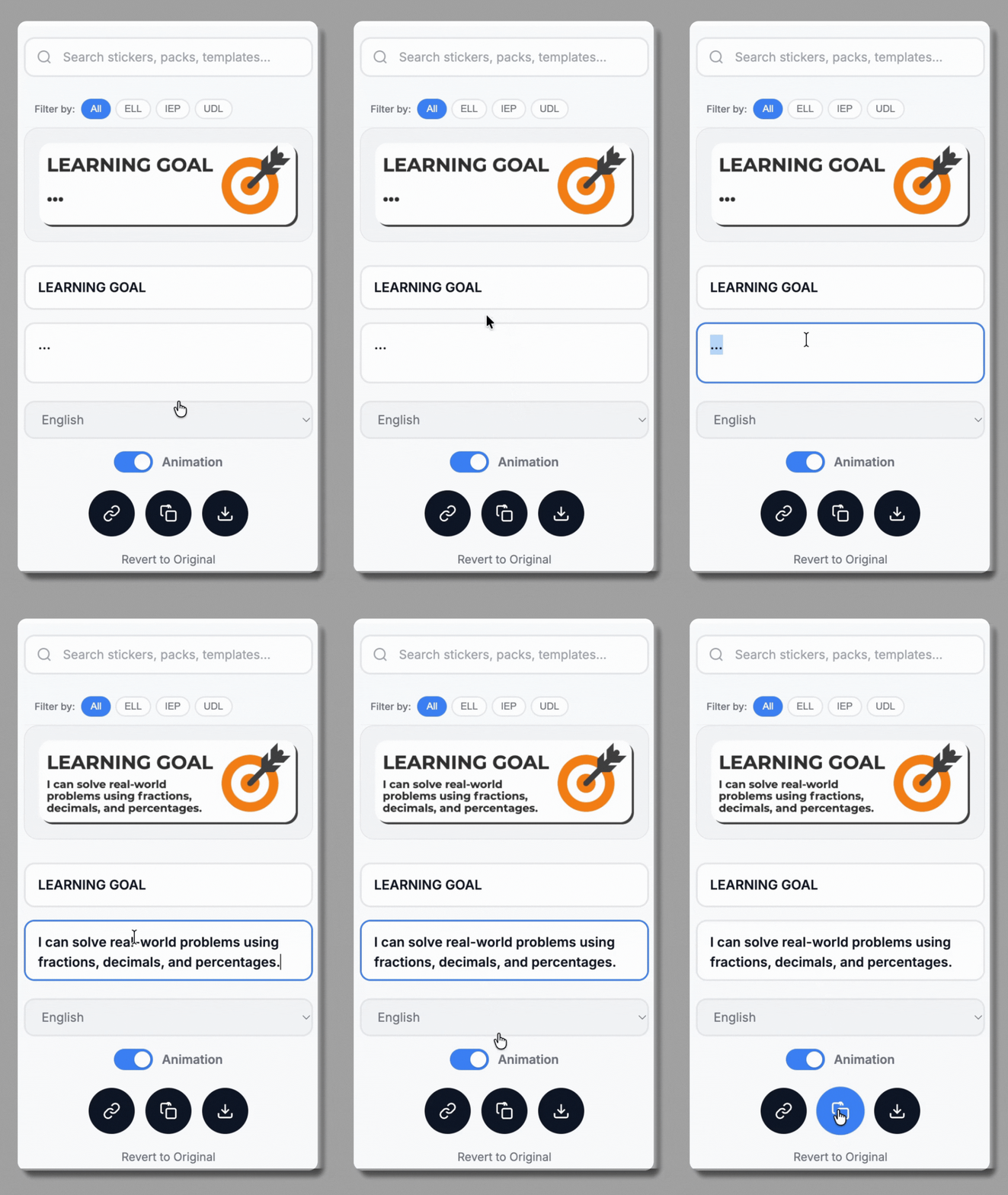
Oh! And when you need to make it yours, click edit.
Don’t waste time formatting something that almost works, this takes seconds to make it exactly right.
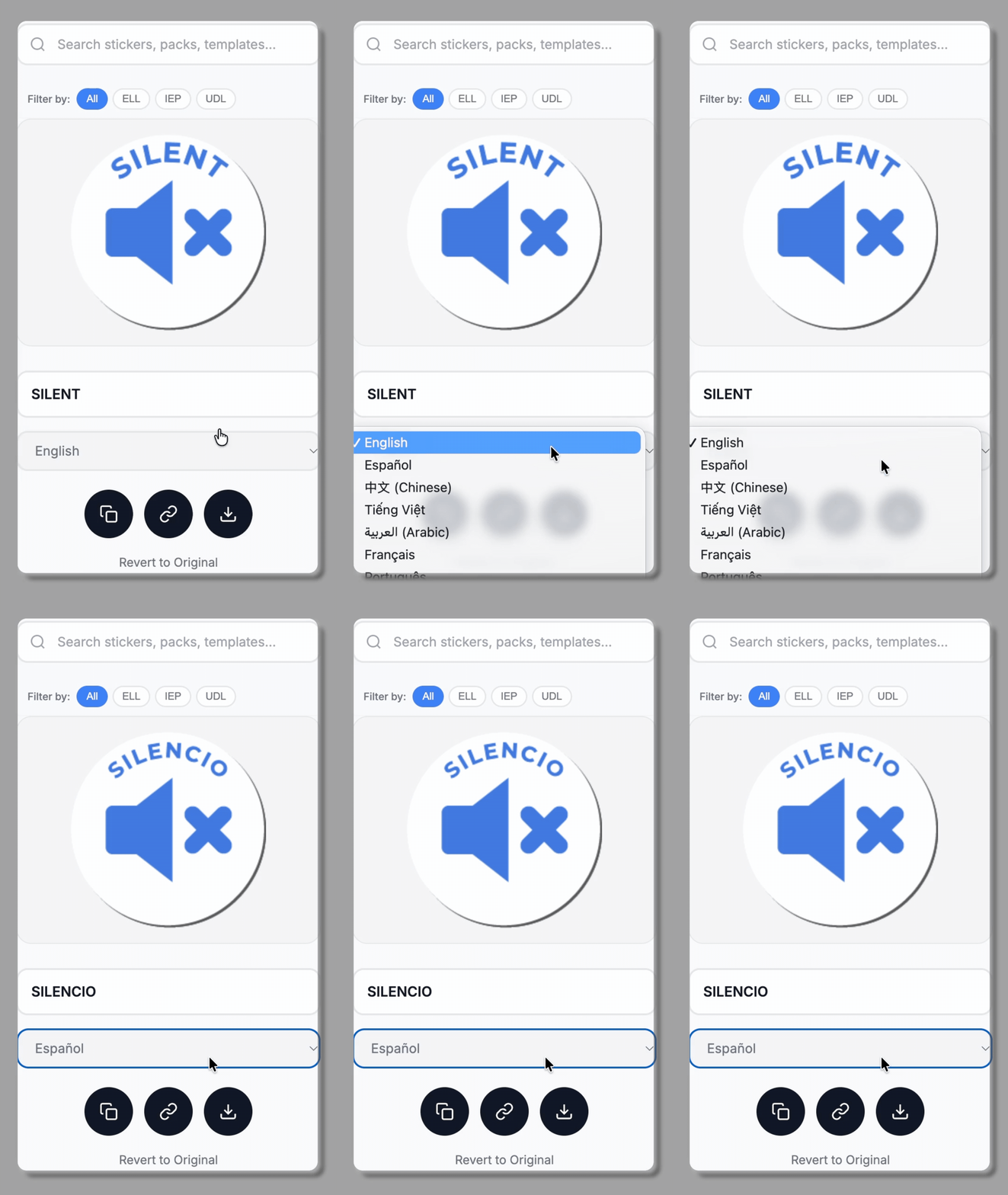
There’s also built in translation. Foreign language teachers rejoice!
Everything is built with the same goal. Clear consistent communication that works for every student.